Sign up / Sign in
Identity management is provided by Keycloak. Whether you can register and log in depends on the Keycloak configuration. To get more details regarding this topic, please contact your administrator.
Sing Up
caution
Depending on your Keycloak configuration, this option may not be available.
Perform the following steps to access Keycloak and sign up:
- Navigate to the DIVA web application (you can ask your administrator to provide you with the URL)
- On the login page click the button "Create new account". You will be redirected to our trusted Keycloak page.
- Enter your email address and password
- Click "Register" button
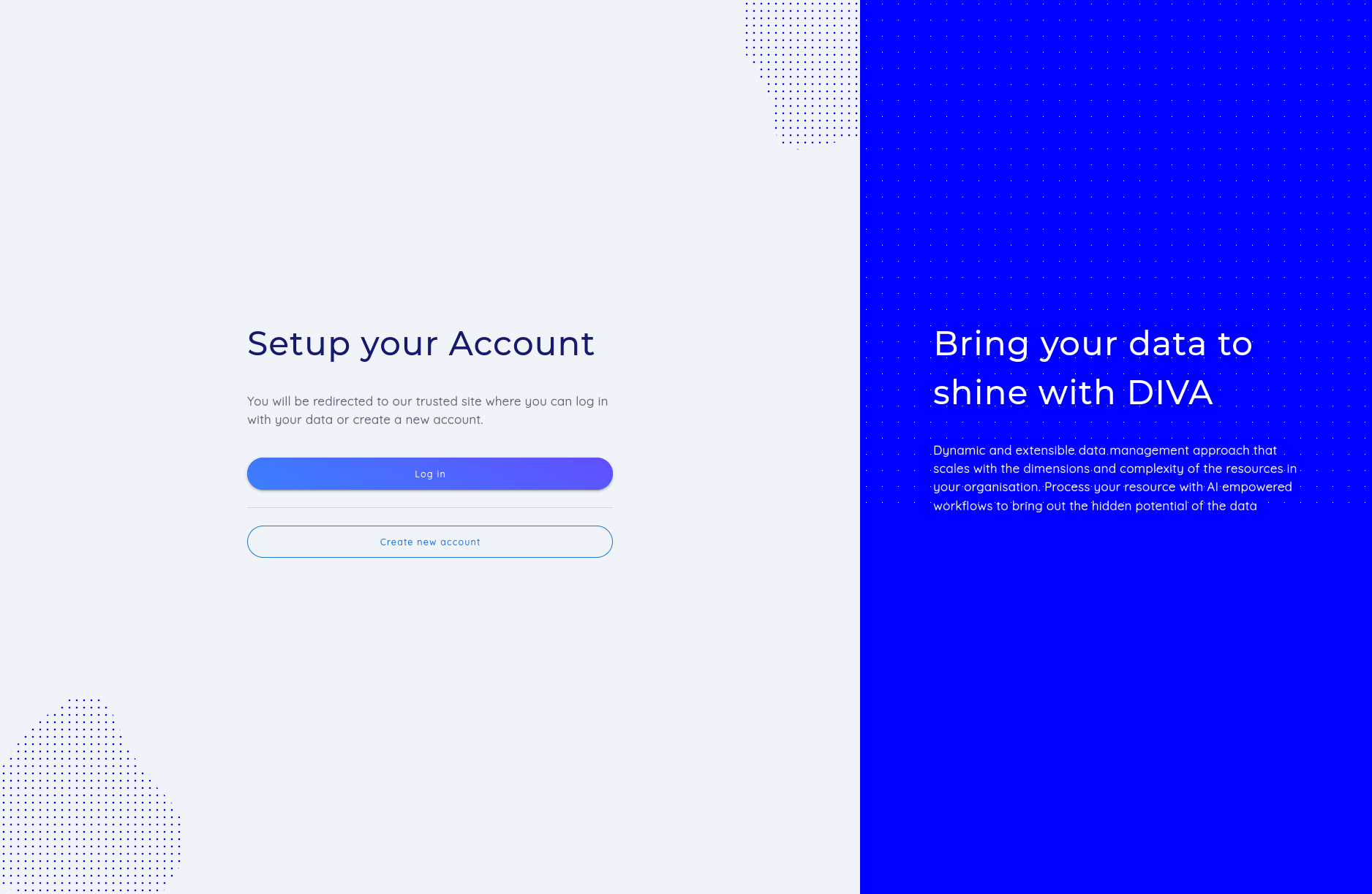
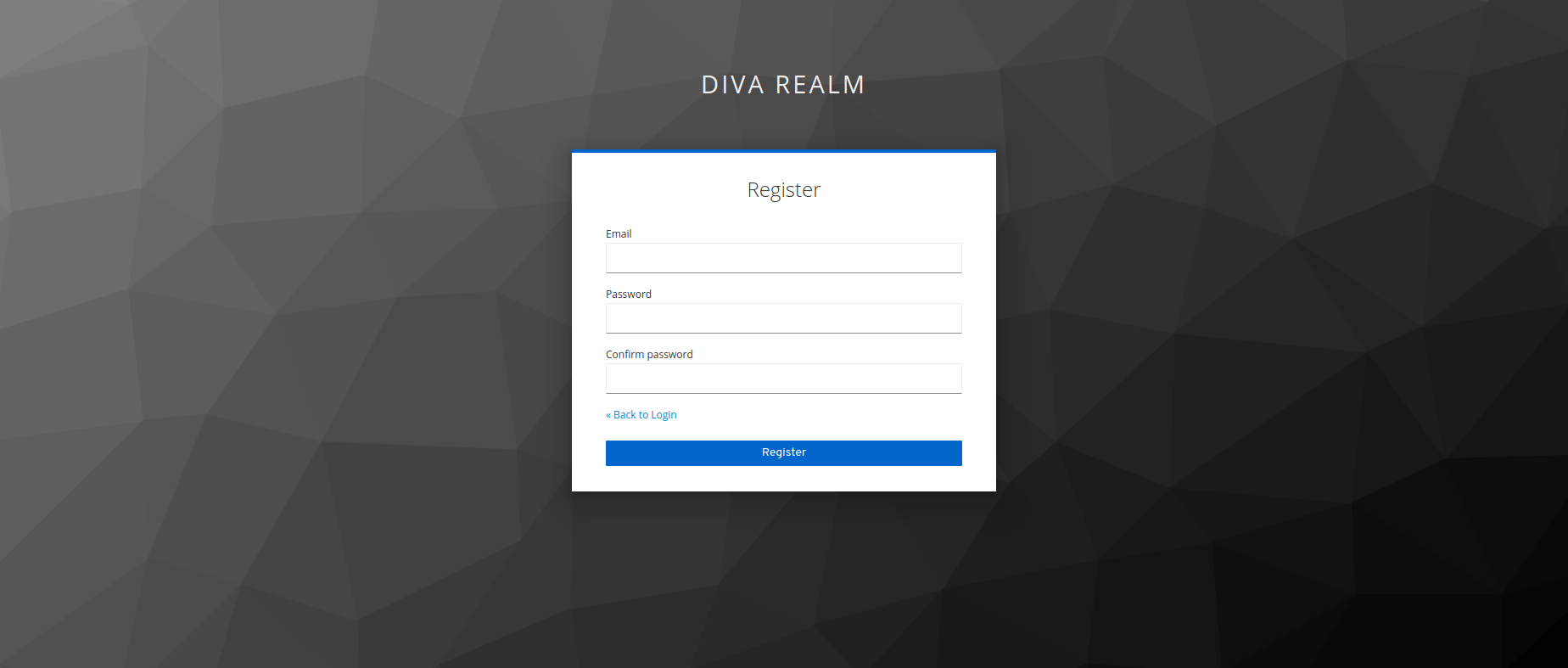
After successful registration you will be logged in automatically.
Sign In
Perform the following steps to log in onto the DIVA application with your email and password:
- Navigate to the DIVA web application
- On the login page click the button "Login". You will be redirected to our trusted Keycloak page.
- Enter your email and password
- Click "Login" button
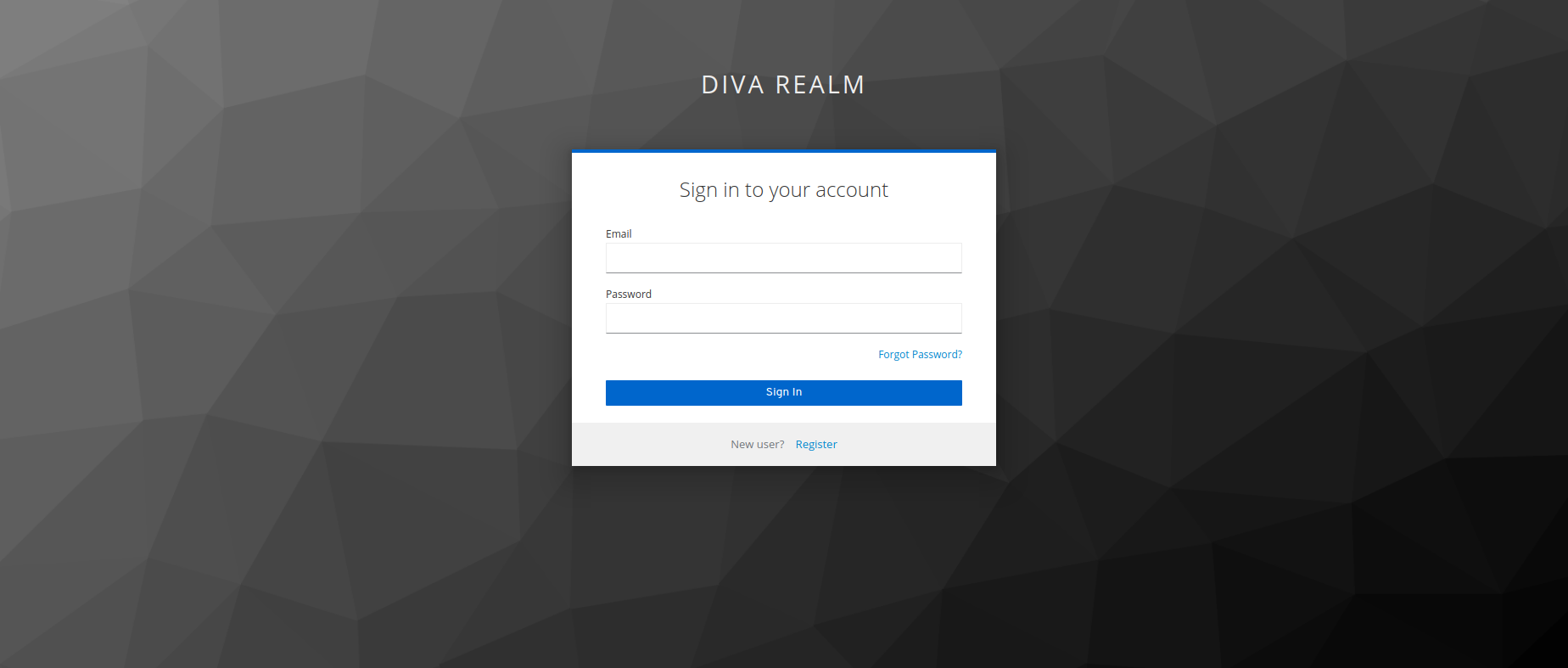
After successful login you will be automatically redirected to the Home Page.
Change your Username
Initially, your username will be set to your email. If you want a better experience, please change your username by visiting the User Details Page.
Upload a profile image
Visit the User Details Page to provide your account with further information or upload a profile picture.